How to Withdraw a Time Off Request
Sometimes an employee will make a mistake and request the wrong dates. Other times, an employee might request time only to realize at a future date that they will no longer be needing to take the days off that they originally requested. Luckily, Eddy allows employees to withdraw Time Off requests with just a few clicks.
Withdrawing a Pending Requests
Eddy allows employees to withdraw "Pending" Time Off requests. These are requests that have yet to be approved or denied.
To withdraw a time off request, the employee must go to their employee profile and click on the Time Off tab.
They will see any pending requests in the Requests section.
To withdraw a pending request, the employee clicks the edit icon next to the request.

Clicking the edit icon opens the Edit time off request dialog. The edit page includes an option to withdraw the request.
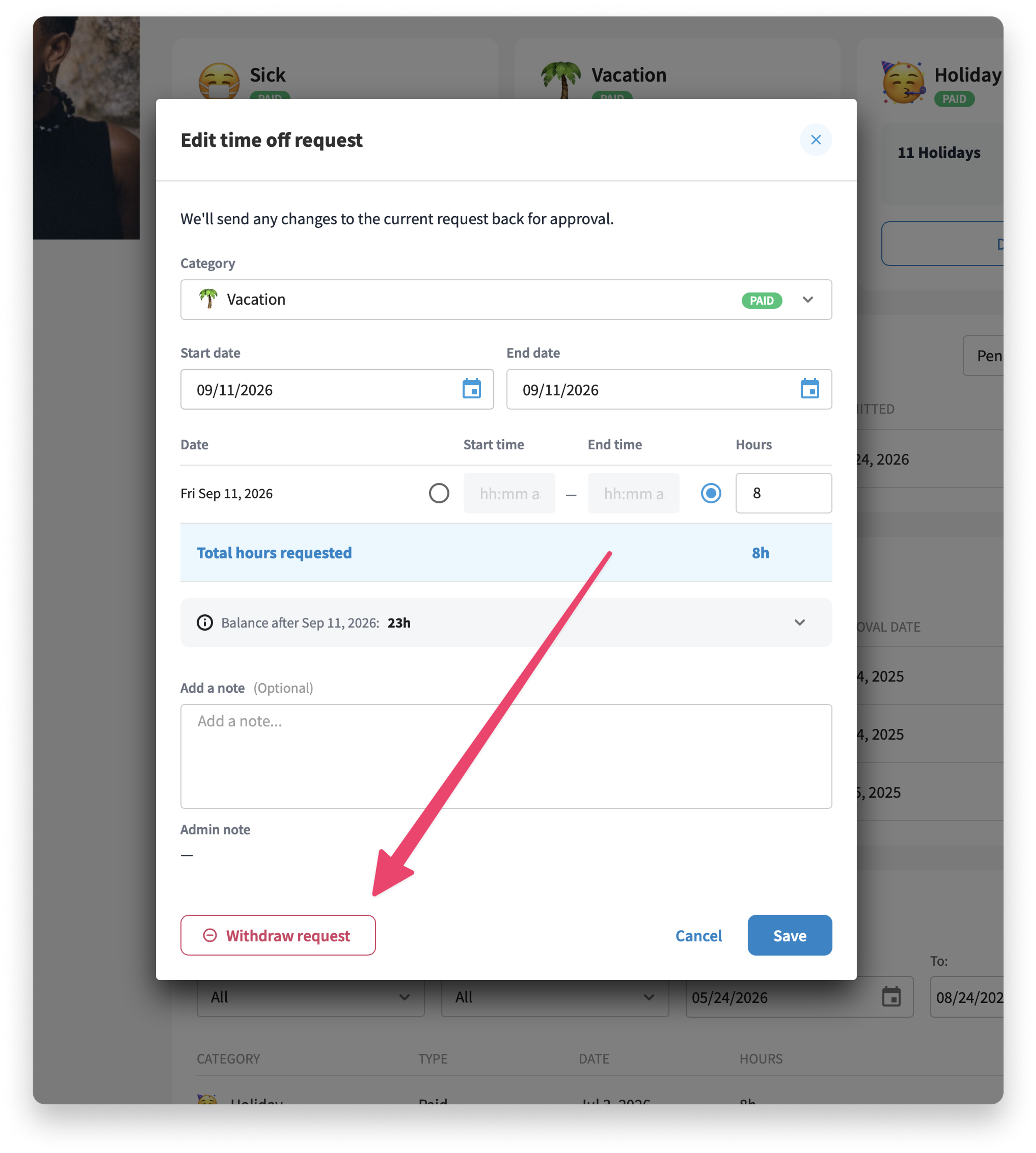
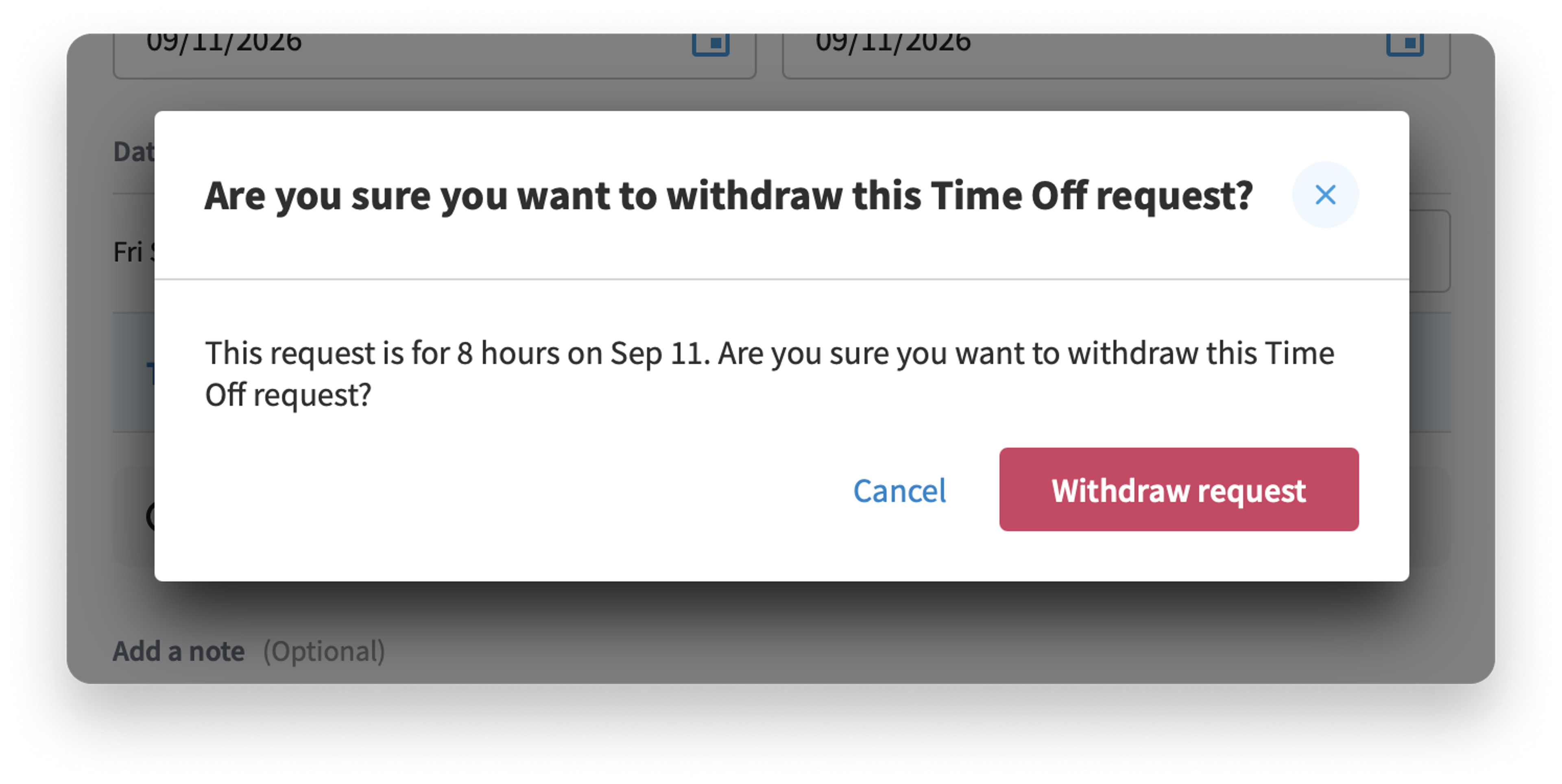
If you wish to proceed with the withdrawal, simply click the “Withdraw request” button. Clicking this button will delete the request.
Approved Requests Cannot be Withdrawn
If a request has already been approved, it cannot be withdrawn by the employee. The employee should contact a company administrator and ask for the approved days to be removed.
We've created a help article that explains how to delete approved days off that you can access here.
Was this article helpful?