How to edit a deduction during the run payroll flow
To manually remove a deduction in Eddy during the payroll process, you will need to have the Payroll Admin permission. Here’s a simple overview of what to expect:
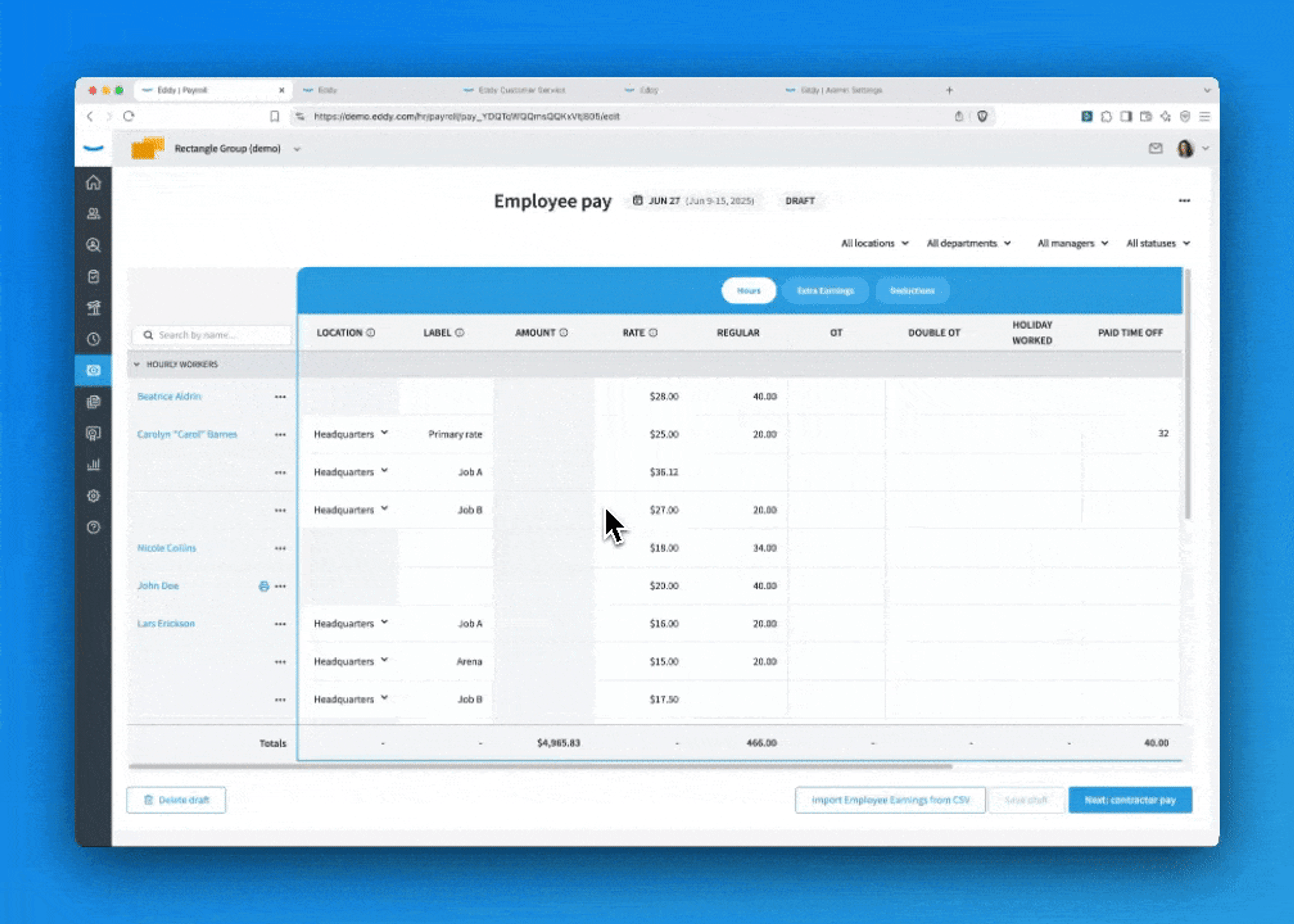
- Access the Payroll Flow: Start a payroll run as usual.
- Locate the Employee: Find the employee for whom you need to remove the deduction.
- Edit Deductions: Click on the Deductions tab. Within their payroll details, look for the section that lists the deduction you want to edit.
- Remove the Deduction: You will see an option to edit the deduction information—simply follow the prompts to complete this step.
- Save draft: Make sure to save your changes before finalizing the payroll.
The gif below will show these steps.
Was this article helpful?